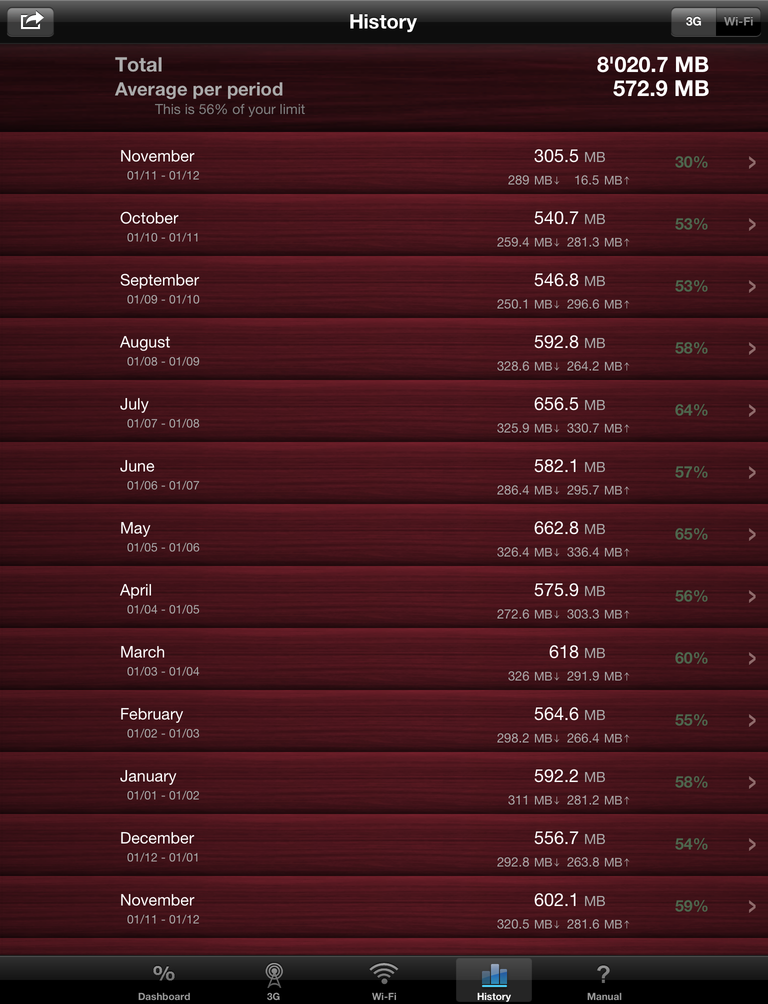
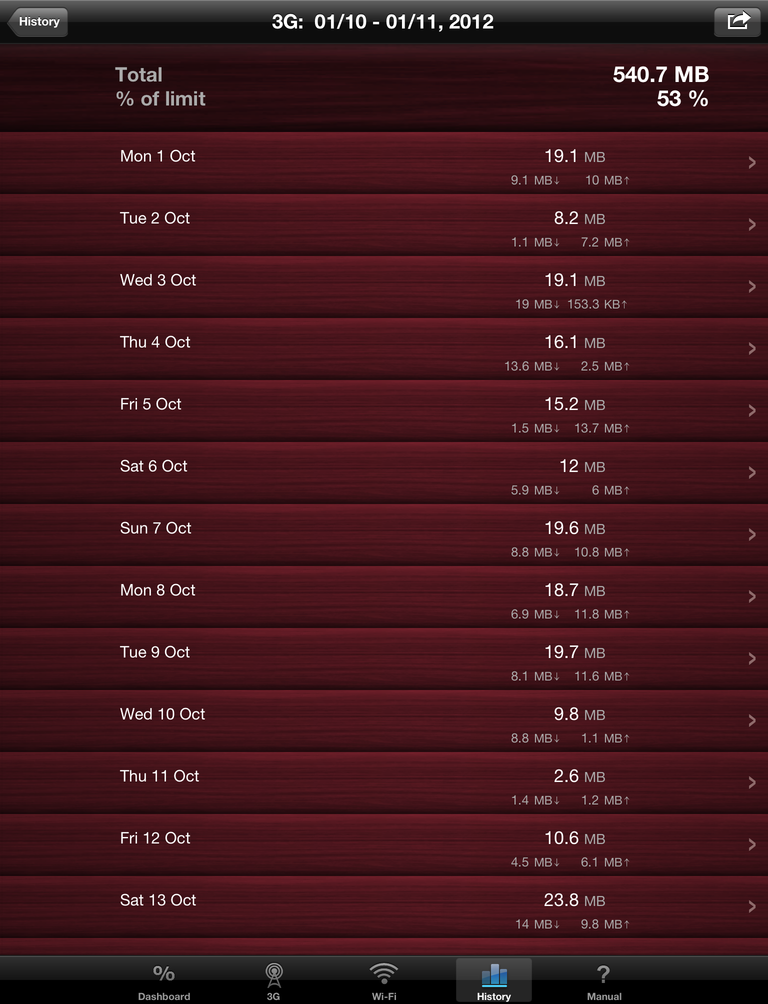
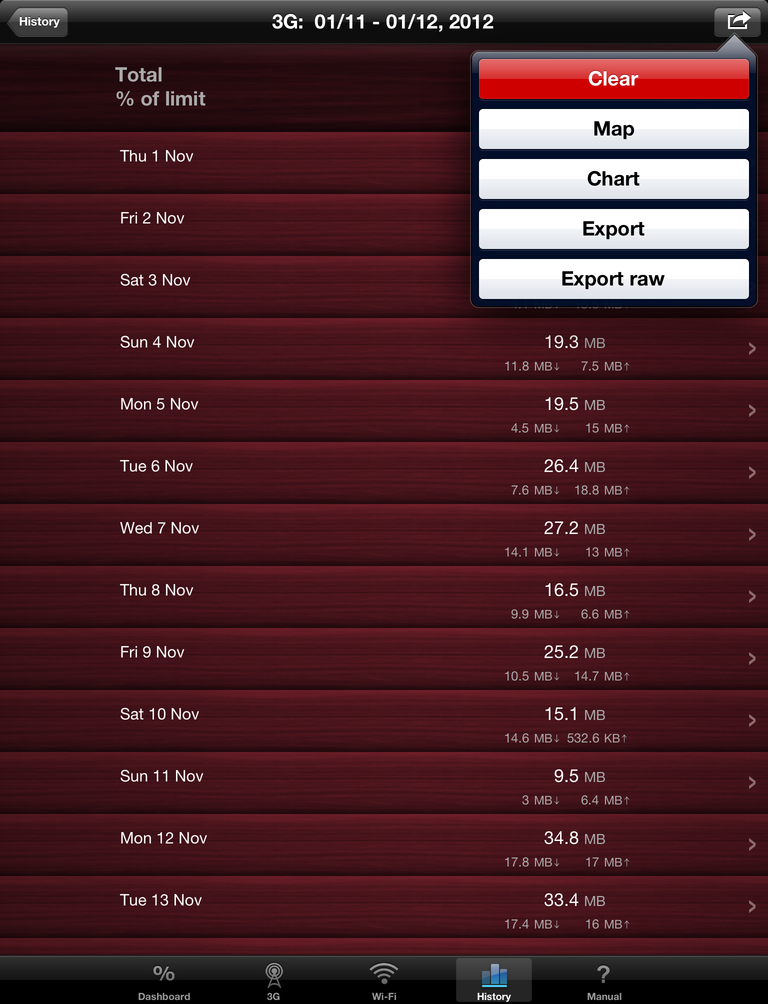
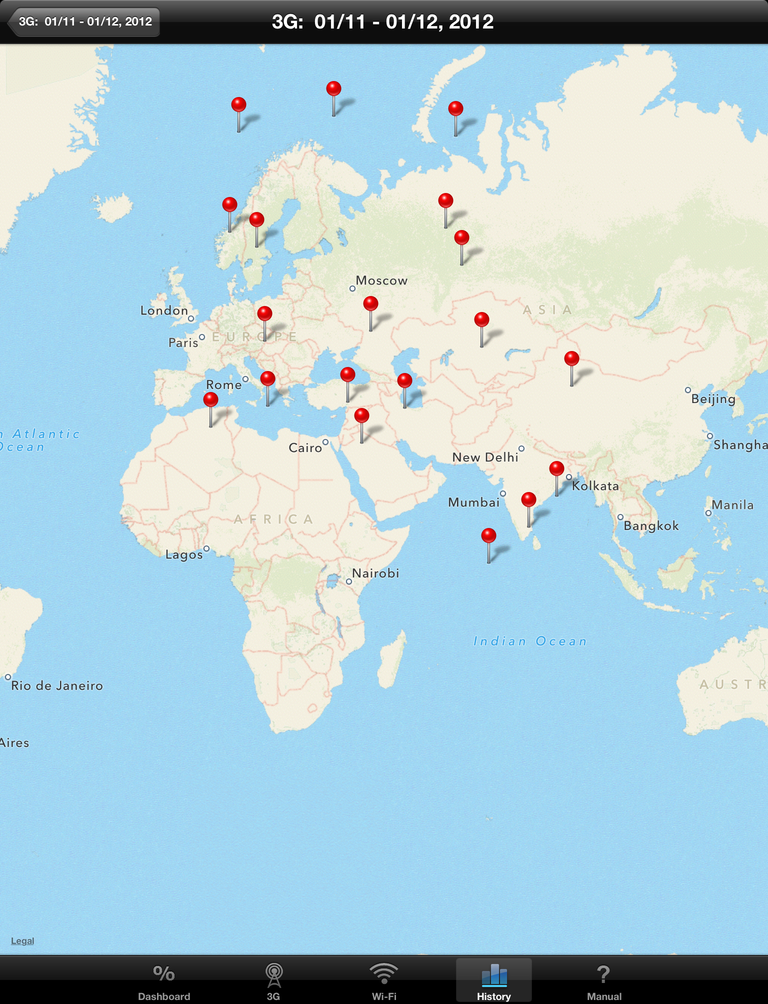
This app helps to stay within you data plan limit on mobile internet.
Save hundreds with this $2 app! That's why it's among 10 Top Paid Utilities in 54 countries.
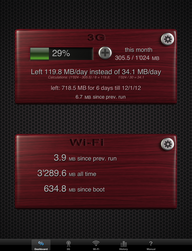
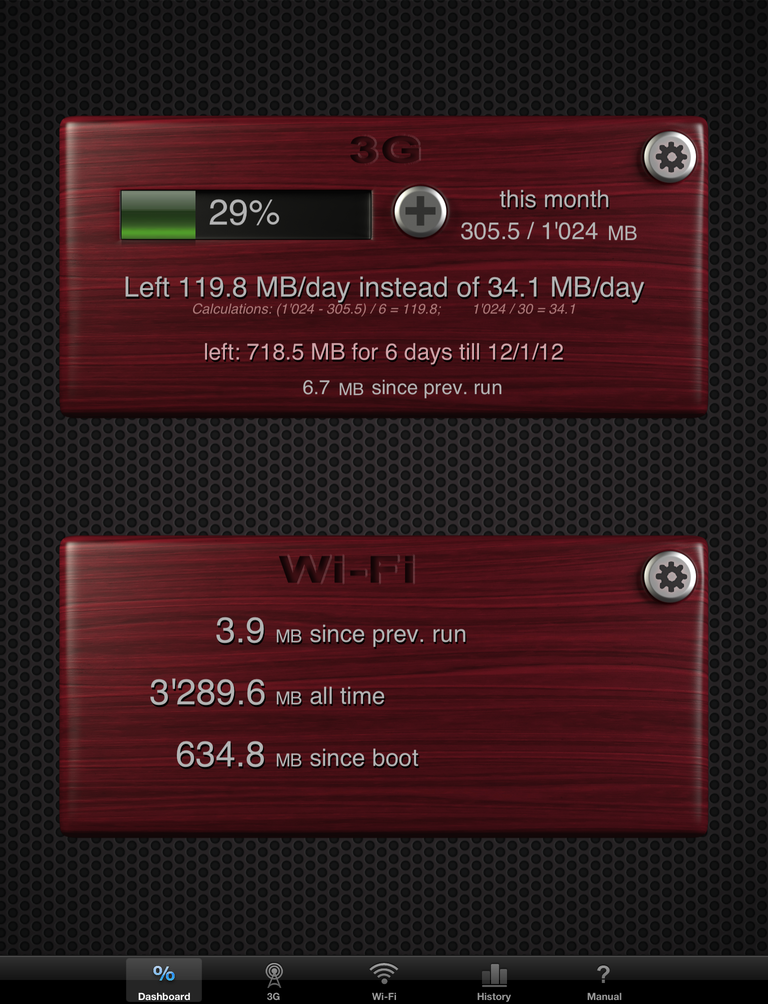
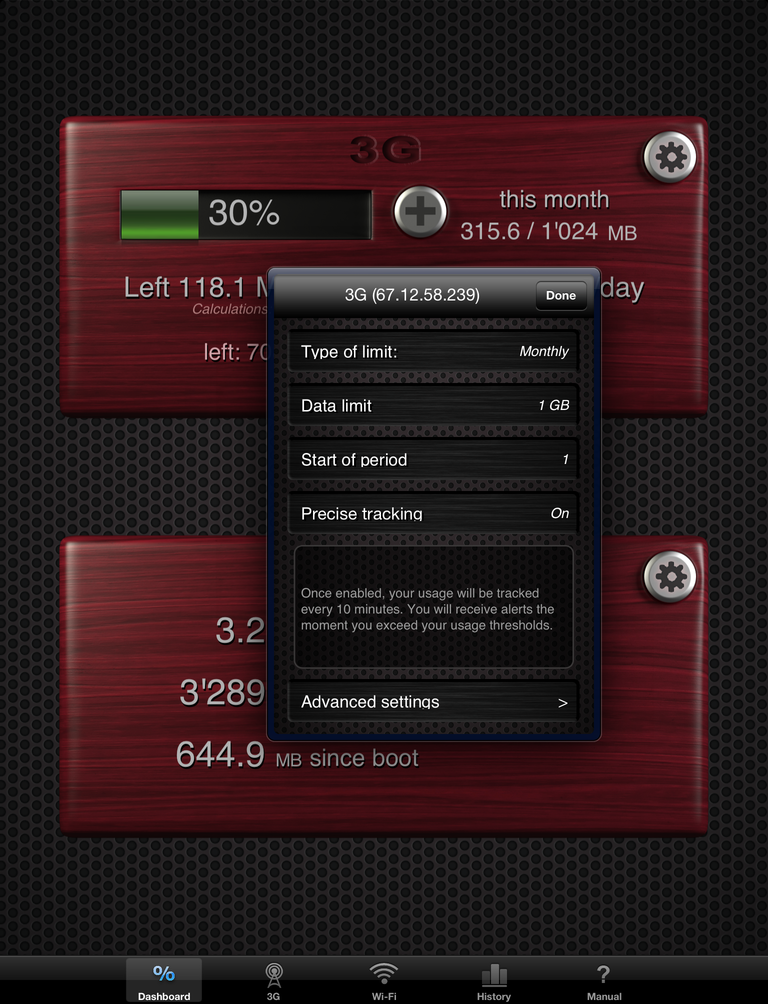
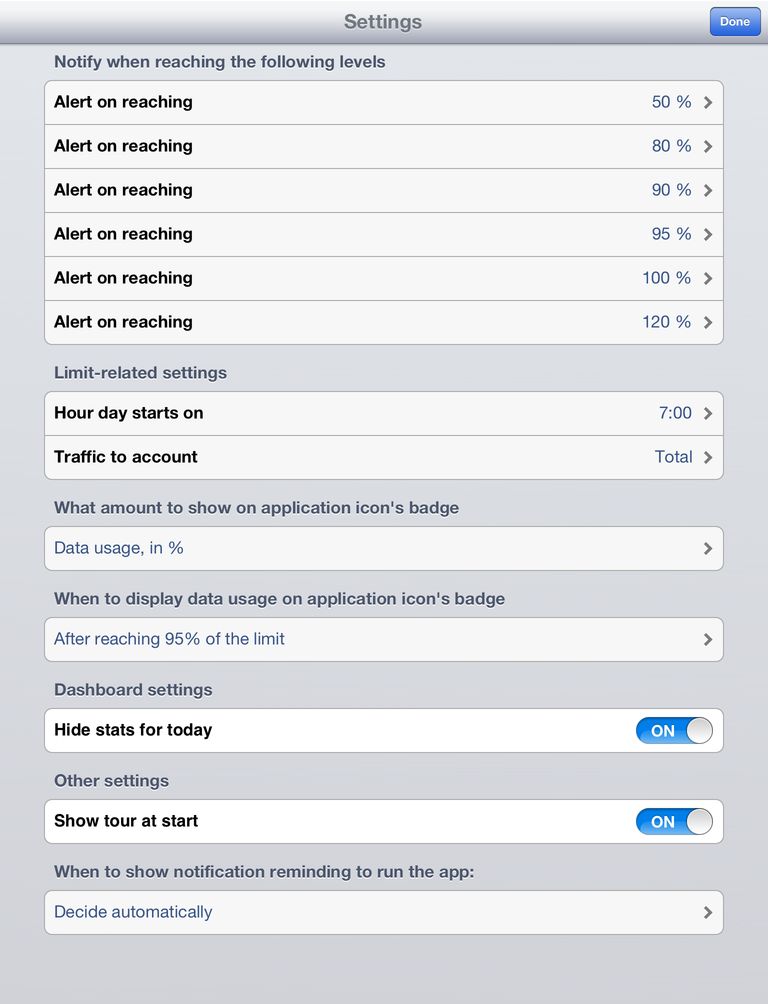
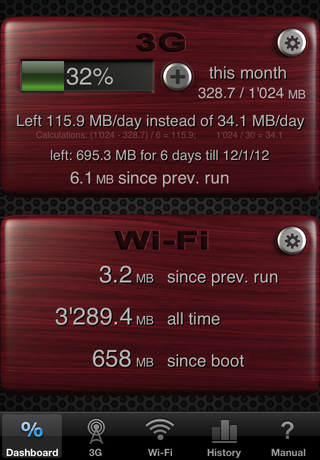
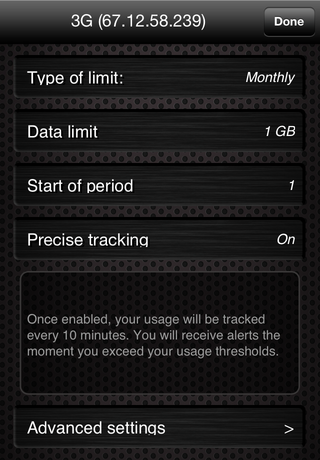
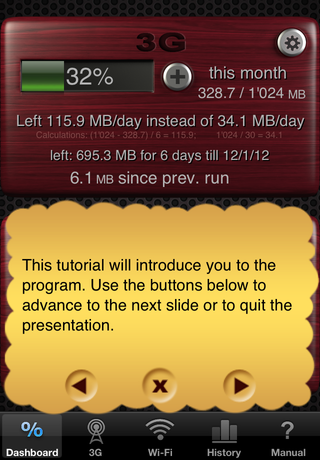
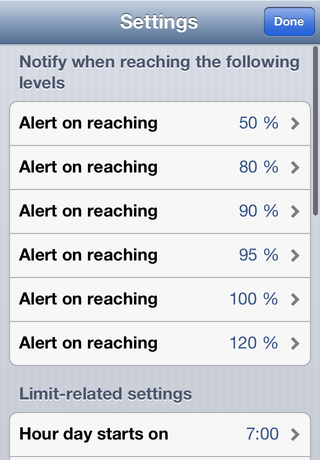
Just enter the data limit of your plan and the first day of the billing period, and the app will notify you automatically when you reach important levels of your data limit (e.g. 90%, 100%). Stay within your limit and never pay extra for exceeding it! The app will automatically start when you reboot your device, and it will work in background checking your data usage every 10 minutes and showing alerts when you reach certain levels (work in background is available on iPhone 3Gs, iPhone 4, iPad and iPad 2). It will also show % of the data limit you've already consumed on the app icon!
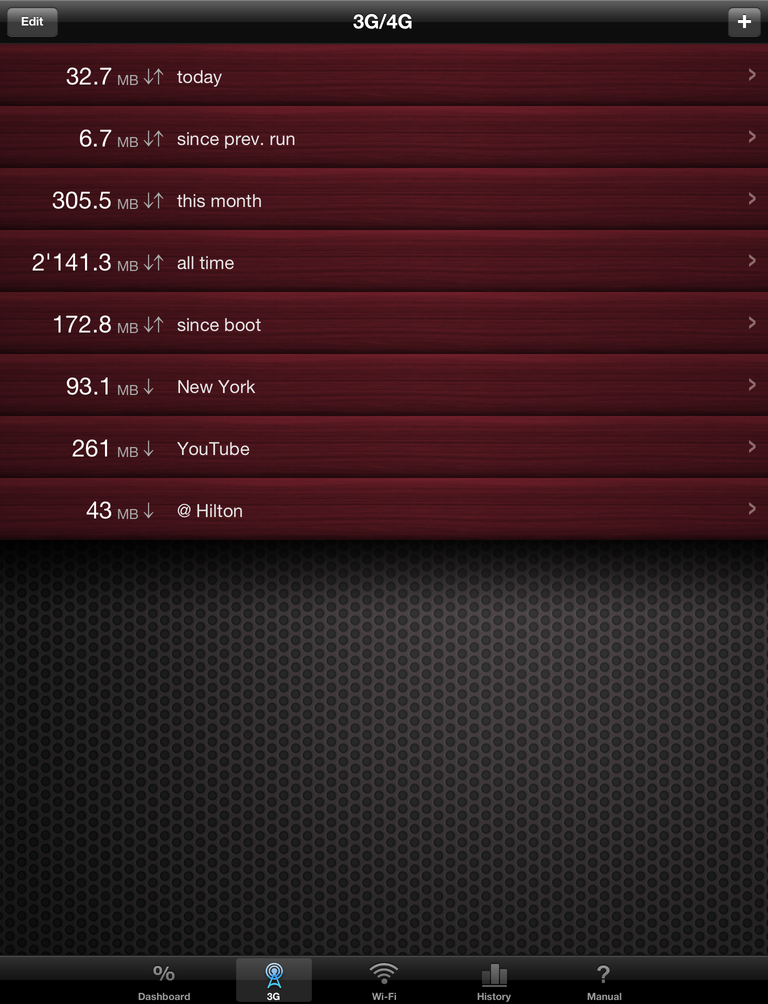
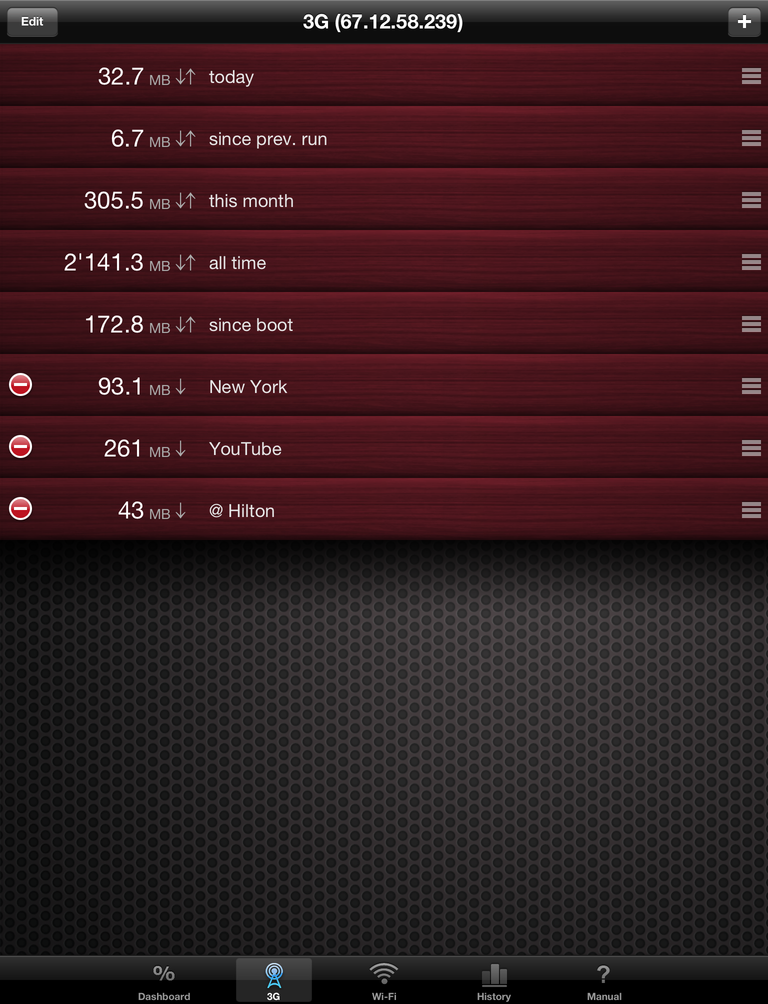
In addition, this application allows you to create and operate any number of "counters," which are an advanced way of tracking traffic (data usage) beginning with a particular moment of time. Several counters can function simultaneously, be set on pause, or reset entirely and allow you to compute the amount of traffic consumed by a particular application or the traffic consumed at a given location.
- Get alerts the moment you exceed your data usage thresholds, without having to open Download Meter.
- The icon of Download Meter shows a percentage of data limit or amount of data (in MB) you've already consumed.
- Works with any carrier all over the world. Requires no login/password to your carrier's site. You don't need to wait for your carrier's reports that may take hours or days to be produced.
- Download Meter does not require Internet connection to get statistics because app gets data usage from the device. So it won't cost you anything to view your data usage, even while roaming.
- All iPads, iPods and iPhones are supported by this app. Buy it once, run it on all devices.
- Supports 3 types of limits - monthly, weekly and daily.
- Measures traffic in real time with up to byte precision.
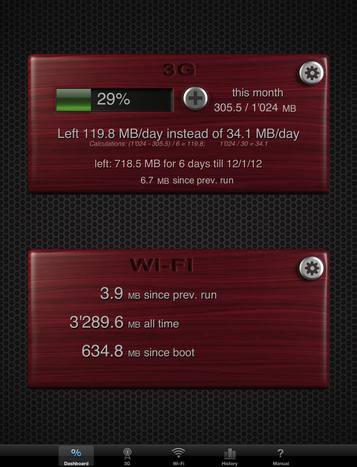
- Application Data Usage: run Download Meter before and after any app, and see how much data it consumed using "Since Previous Run" function.
- Suggests daily data usage limit and computes the current day's data usage automatically.
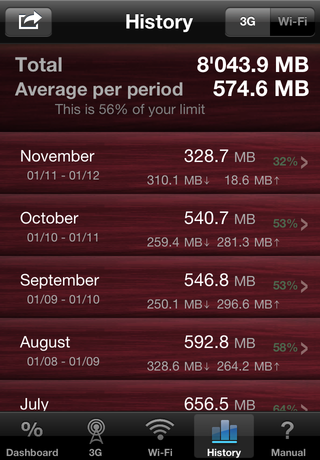
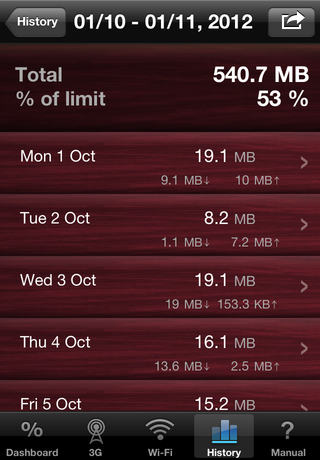
- Separates traffic into incoming and outgoing, Wi-Fi traffic and mobile Internet traffic.
- Allows you to create and operate an unlimited number of "counters," which are an advanced way of tracking traffic per application or by period of time.
- Allows to adjust consumed traffic for today or current period to match traffic amounts reported by your carrier.
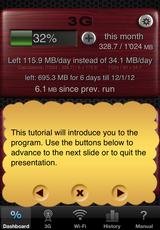
On first use, Download Meter runs a quick introductory tour of the
application. It explains how to use daily and monthly limits in detail.
That tour can be re-enabled using the Settings utility, which will allow
you to access the "show tour at start" setting.
You can view the full content of that tour here.
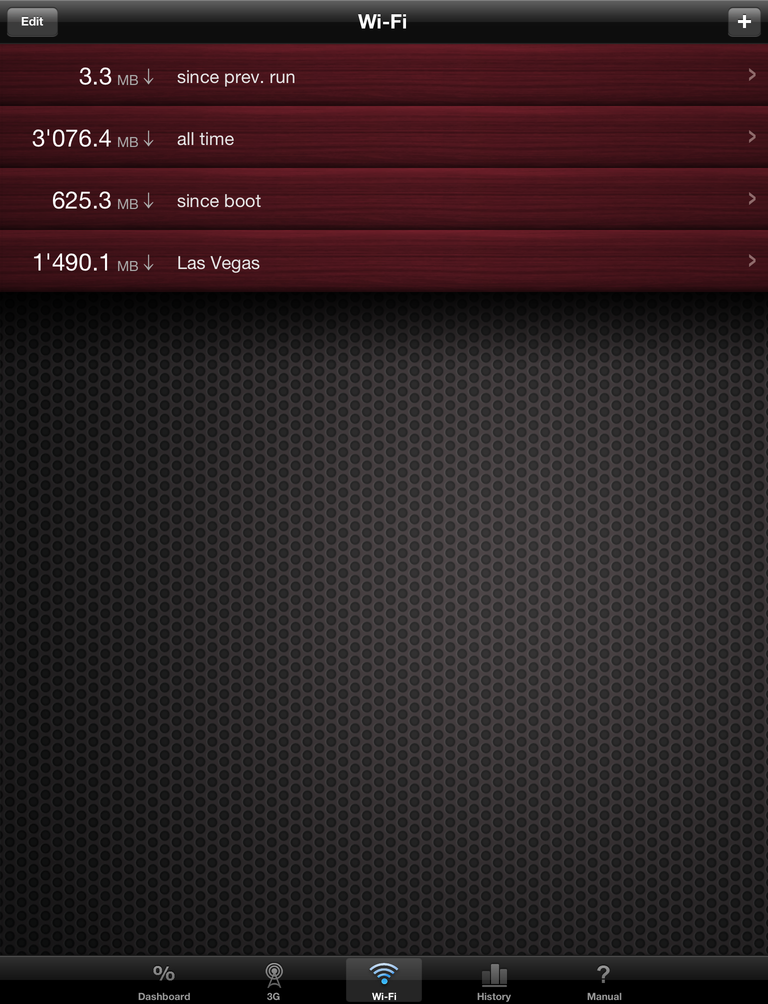
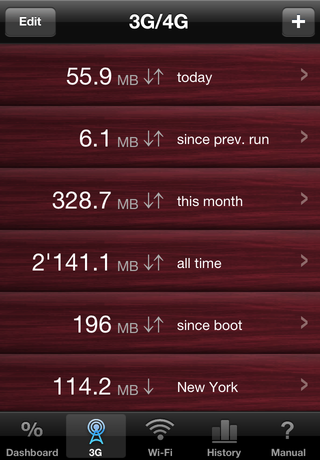
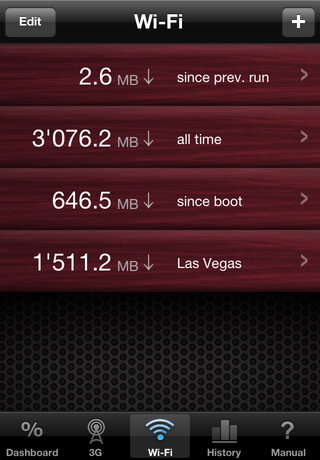
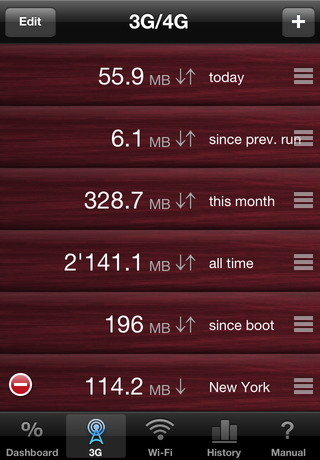
Traffic is measured by counters.
To track your traffic usage, select the tab at the bottom of the
screen that corresponds to the connection type you need to
track - i.e. WiFi or GPRS/3G/EDGE.
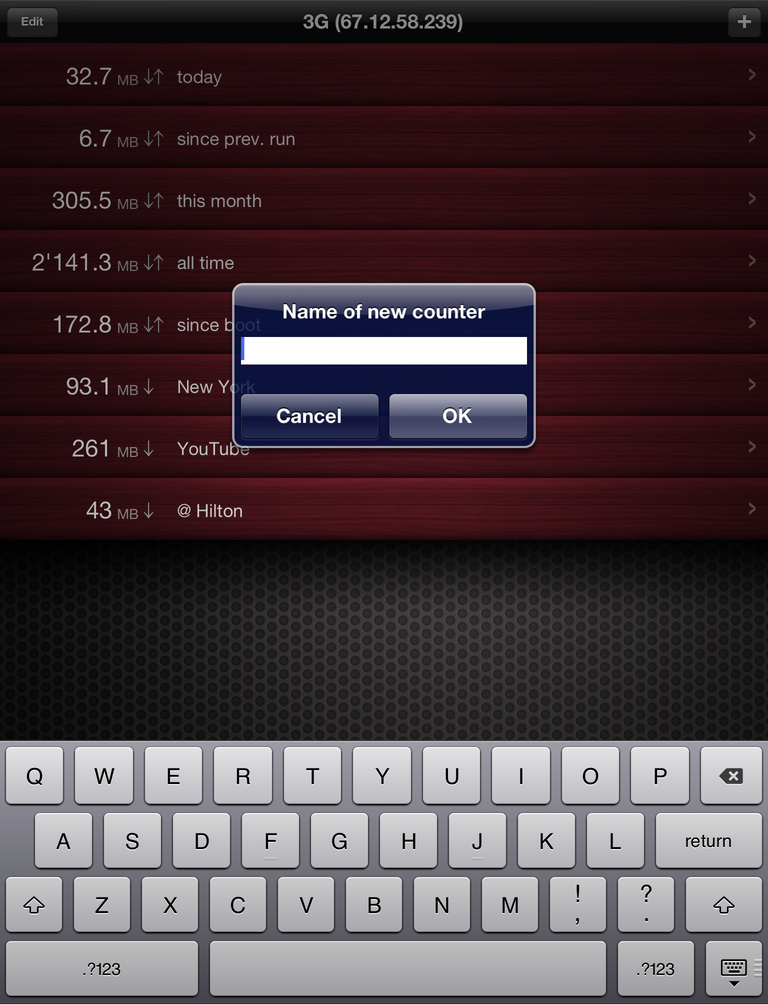
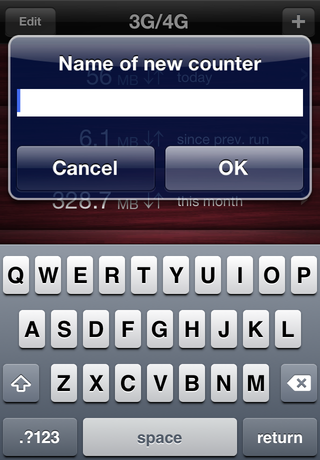
- To create a new counter
- tap '+'
- To reorder or delete a counter
-
tap Edit and then click
Done
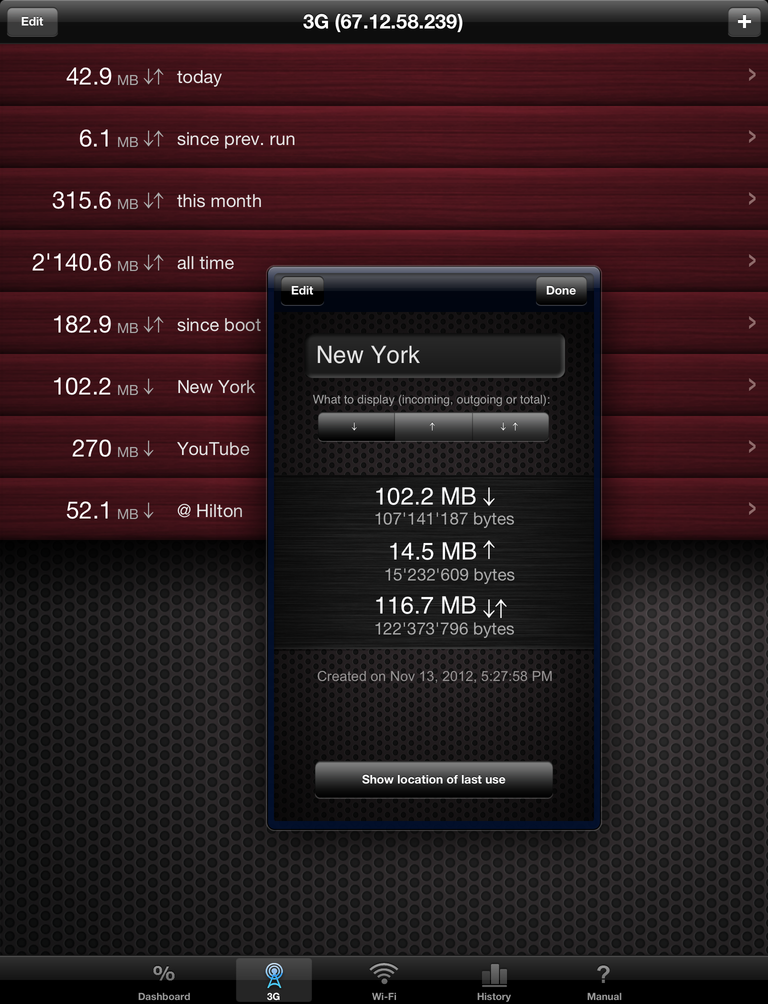
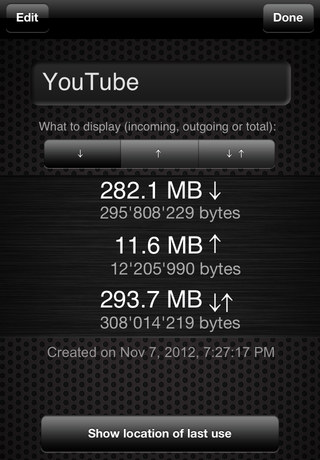
- To rename, pause, or reset a counter
- tap it, make changes and then tap Done.
- To display total traffic instead of incoming traffic only,
-
tap the counter and place a checkmark on the item with
↓ for incoming,
↑ for outgoing, or ↓↑ for total traffic, and then
press Done.
Three counters are created automatically.
- since boot
-
amount of traffic since last reboot or power-on of device.
- all time
- amount of traffic since since running Download Meter for the first time.
- since prev. run
- amount of traffic since previous run of Download Meter
These counters cannot be deleted; however, you can rename
them or move them to the bottom if you do not need them.
You will find this program very useful if you use YouTube, Gmail, Yahoo,
Twitter or Flickr.